
Create a training program
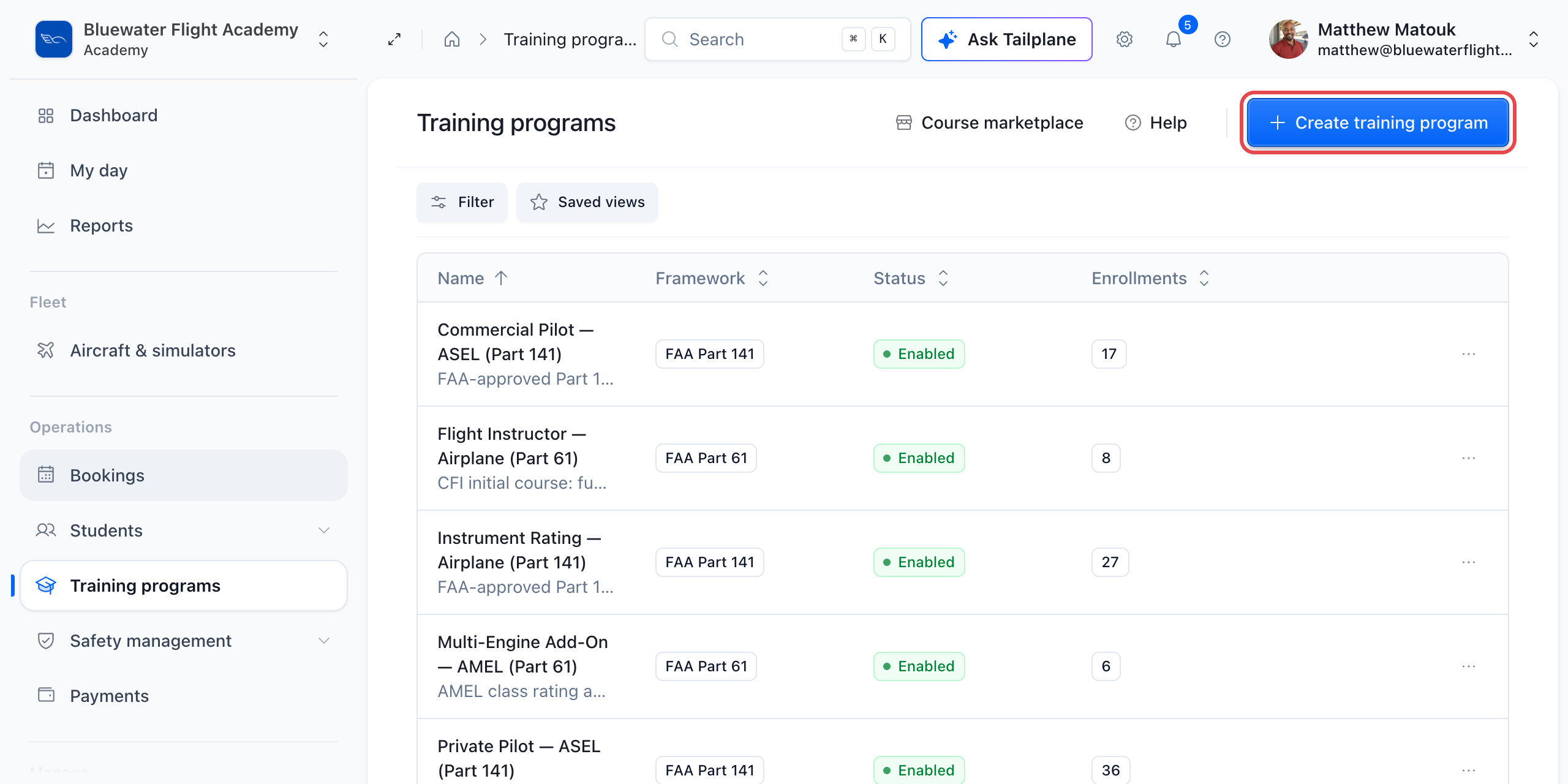
To create a training program, go to Training programs and click Create training program. Enter the details, add modules with activities and click Save changes.
CAUTION: After you save the program, you cannot change its modules and activities. You can only change the name, the description, the status and the regulatory framework. Make sure that the structure is correct before you click Save changes.
Create a training program
- In the sidebar, click Training programs.
- Click Create training program.
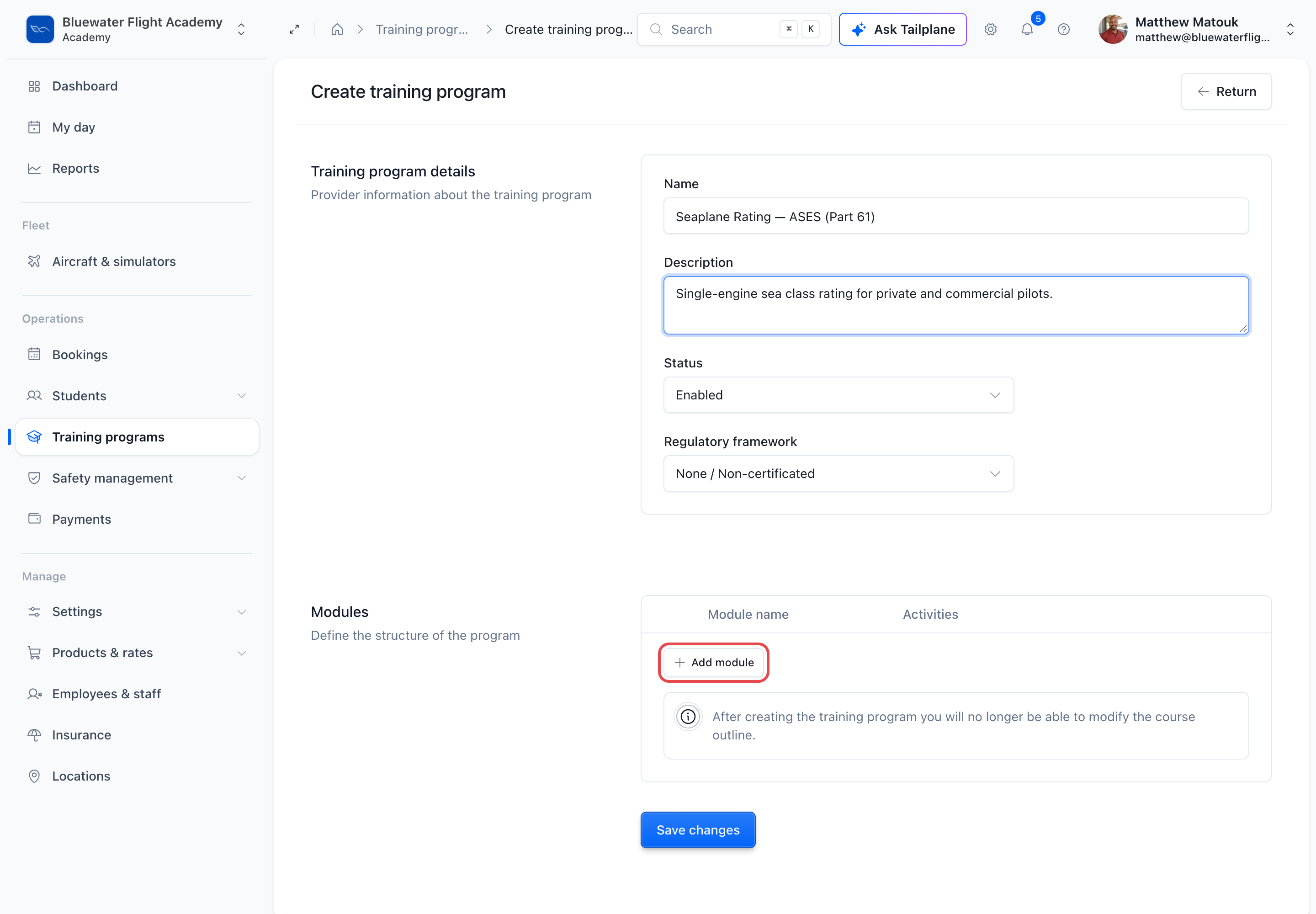
- In Name, enter the name of the program.
- In Description, enter a description.
- In Status, select Enabled or Disabled.
- In Regulatory framework, select the framework of the program.
- In the Modules section, click Add module.
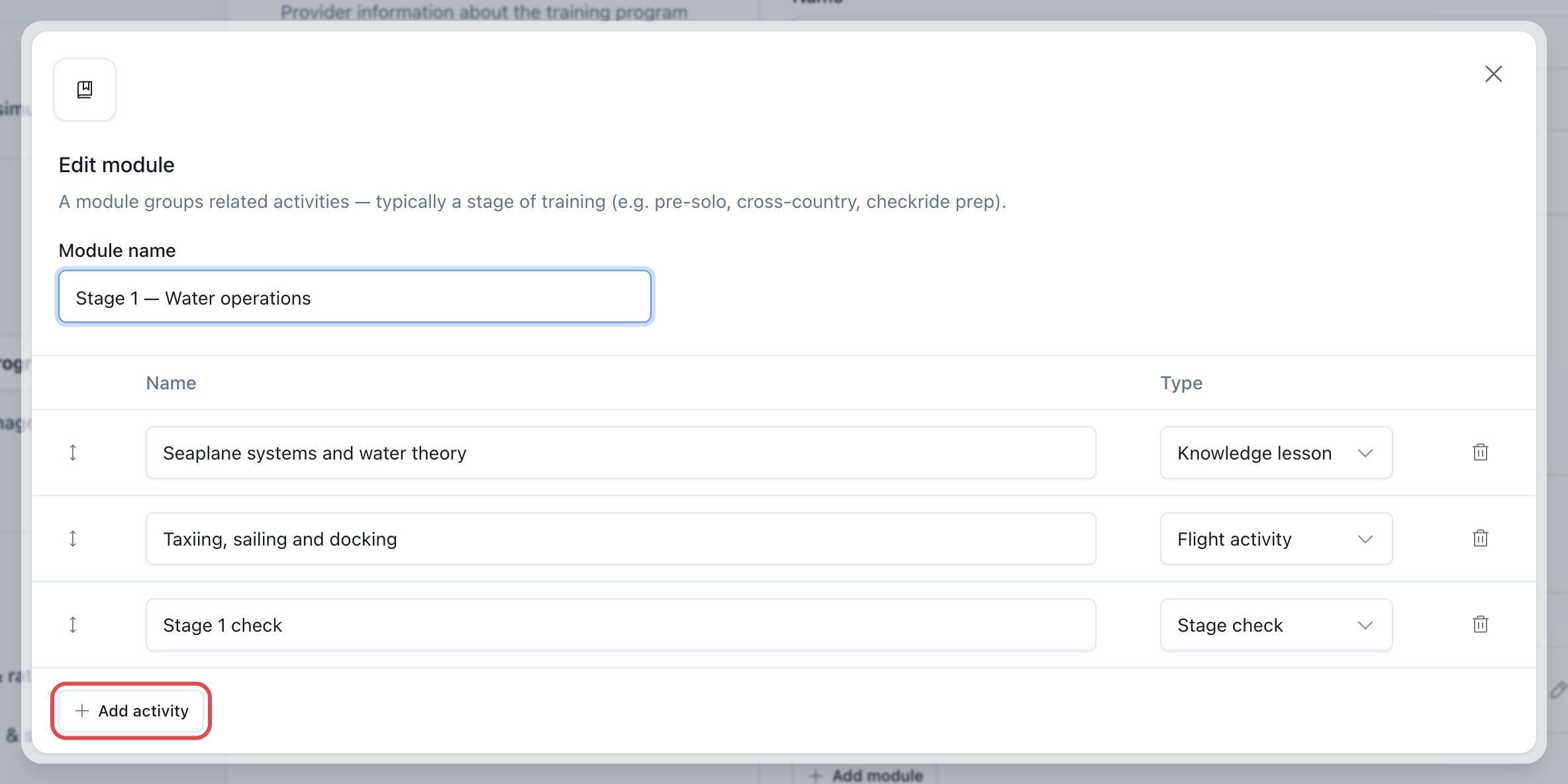
- In the New module dialog, enter the Module name.
- Click Add activity.
- Enter the Name of the activity and select its Type.
- Do steps 9 and 10 again for each activity of the module. To change the order, drag the arrows icon of an activity. To remove an activity, click the trash icon.
- Close the dialog. The module shows in the Modules table with the number of activities.
- Do steps 7 to 12 again for each module. To change the order of the modules, drag the arrows icon. To change a module, click the pencil icon. To remove a module, click the trash icon.
- Click Save changes.
The message Training program created successfully shows. The program shows in the Training programs list.
Edit a training program
- In the sidebar, click Training programs.
- Click the more menu (…) of the program.
- Click Edit.
- Change the Name, the Description, the Status or the Regulatory framework.
- Click Save changes.
On the edit page, the Modules section is read-only. To see the activities of a module, click the view icon (View module).
Delete a training program
- In the sidebar, click Training programs.
- Click the more menu (…) of the program.
- Click Delete.
- Click Delete to confirm.
WARNING: When you delete a training program, Tailplane also deletes all enrollments in the program. You cannot undo the deletion.
Fields
- Name: Required. Up to 255 characters.
- Description: Required. Up to 1024 characters. The list shows the description below the name.
- Status: Enabled (default) or Disabled.
- Regulatory framework: FAA Part 141, FAA Part 61, FAA Part 142, EASA Part-FCL, UK CAA Part-FCL, Transport Canada (CARs), Other / Custom or None / Non-certificated (default).
- Module name: Required. Up to 255 characters.
- Activity Name: Required. Up to 255 characters.
- Activity Type: Flight activity (default), Knowledge lesson or Stage check. See Training activity types.
Things to know
- A program must have at least one module. Each module must have at least one activity.
- The Training programs list shows the columns Name, Framework, Status and Enrollments. To filter the list by status, click Filter.
- When an organization is created, Tailplane adds some training programs for the country of the organization. You can edit or delete these programs.
- Users with the View organization data permission can see the list. Only users with the Manage courses permission can create, edit and delete programs.
- To add a student to a program, see Enroll a student in a training program.